The problem
A brand-new student books your Inverts class because it fits their schedule. Your instructor now has to choose between turning them away at the door or teaching a class with a beginner who shouldn’t be upside down yet. Neither is good for the student, the instructor or the rest of the class.
How prerequisites work
In Pole Studio Manager, any class can list one or more prerequisite classes. A student can only register once they’ve met them. If you pick two or more classes, all of them are required, so “Silks Drops” can require both “Silks 2” and “Aerial Conditioning”.
The rule is checked when the student books, including online, so nobody has to check it by hand.
Setting it up
- Open Classes and choose the class you want to protect.
- Edit the class and scroll to Prerequisite class.
- Pick the class or classes a student must complete first, then save.
Using levels and programs in your categories keeps this organized. Programs such as Pole and Aerial also become tabs in the online client portal, which makes your schedule easier for students to browse.
What about students who’ve trained with you for years?
Every student profile has a Prerequisite tab. When you turn prerequisites on, update your experienced students there so they qualify straight away and don’t get stuck behind a rule for a class they finished long ago.
Ways studios use it
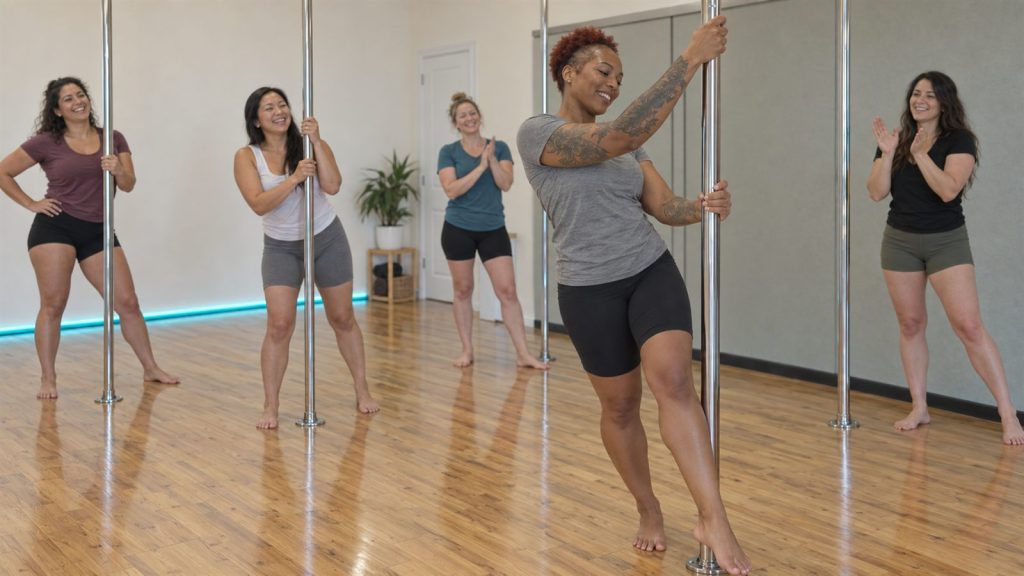
- Pole ladders: Level 3 Inverts requires Level 2 Climbs & Sits.
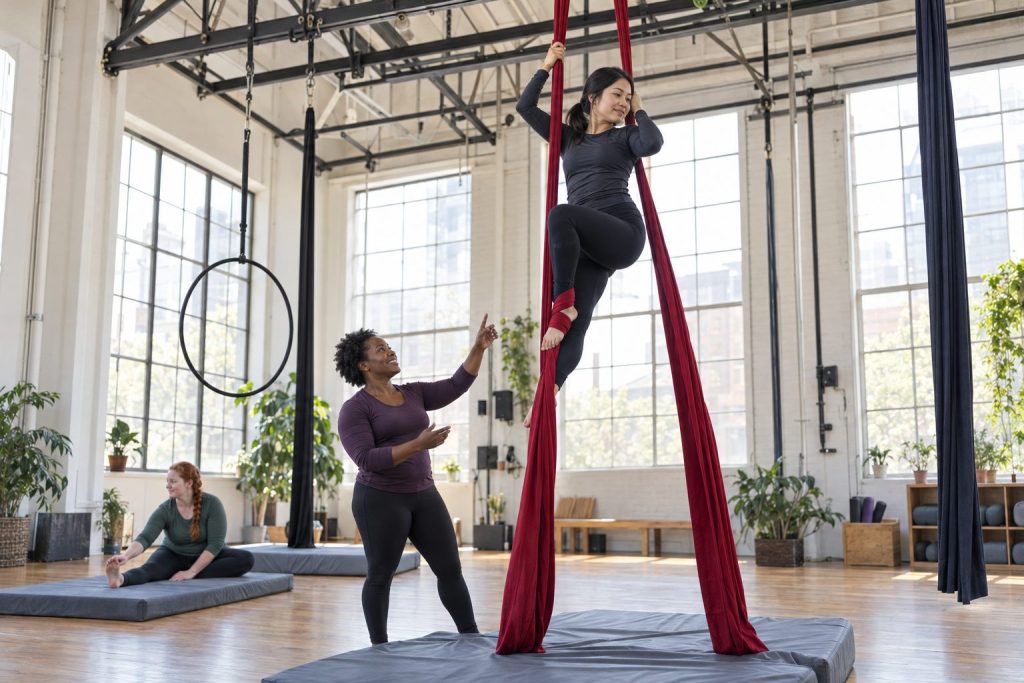
- Silks drops: Drops requires Silks 2 (and your conditioning class, if you like).
- Open training: only students who’ve completed a level can book unsupervised practice.
- Teacher training: only advanced students can enroll in your certification course.
- Top-level classes: combine prerequisites with invitation-only registration for performance teams and troupes.
Want the bigger picture? Read how to structure pole levels.
Prefer video? Our YouTube channel has walkthroughs of categories, classes and other settings.